Radar
The rail's RADAR pane watches Solana in four lists. A press on a row opens the trade; the "⧉" button opens the token's desk.
The four lists
- NEW PAIRS: new pools.
- FINAL STRETCH: pump.fun coins still on the curve, the closest to graduating first.
- MIGRATED: coins that graduated.
- TRENDING.
Forty rows per list at most.
A row
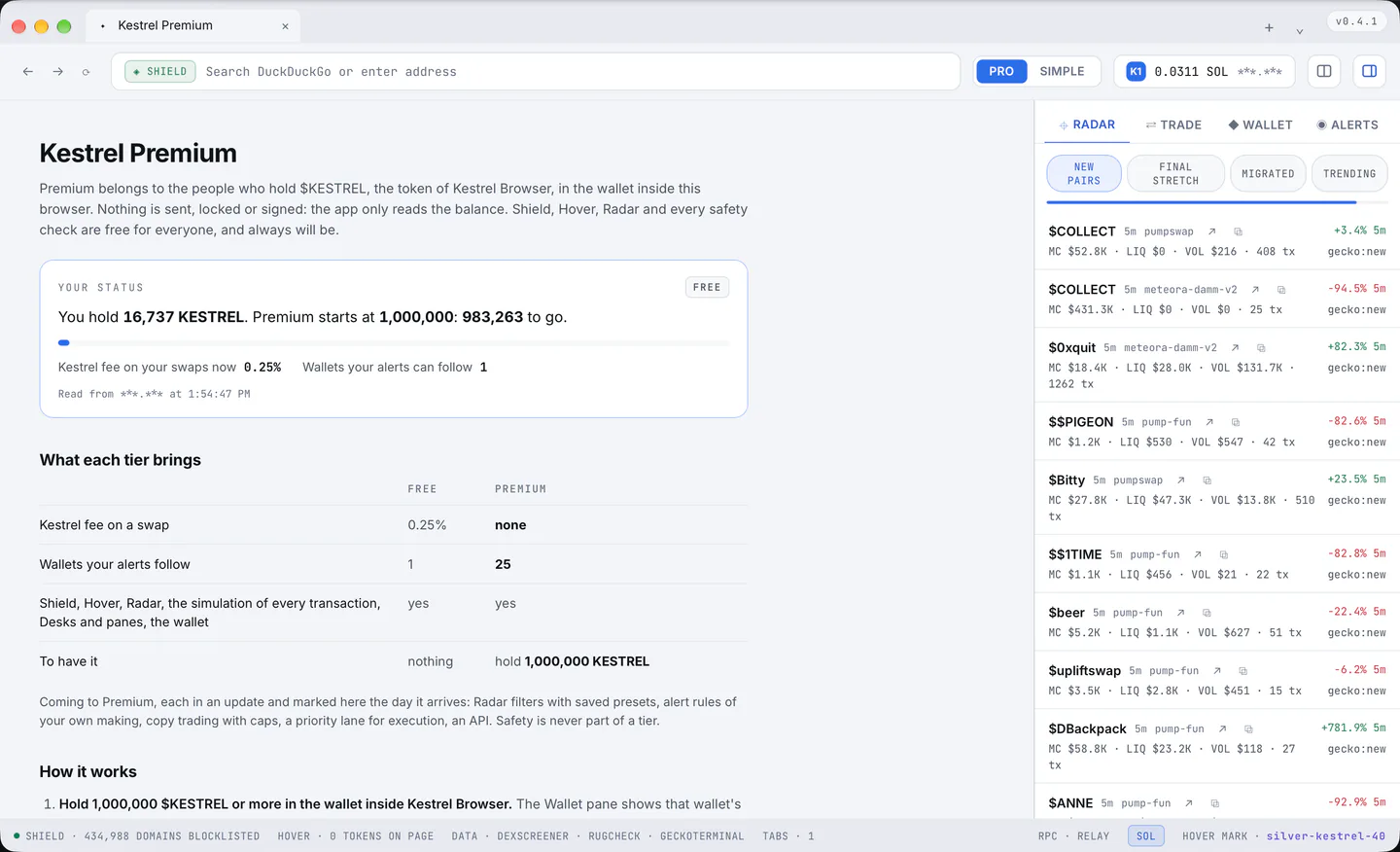
The symbol or short address, the age, the venue, the price change with its window (in Final stretch, the curve percentage with a bar), then market cap, liquidity, volume and the number of transactions, and which source it came from.
- A press on a row opens the Trade pane on that token with the default amount from Settings.
- The "↗" button opens the token on DexScreener in a tab; "⧉" opens its desk (chart, safety, holders and the talk on X side by side with Trade in the rail).
The rhythm and the settings
The bar at the top drains from one refresh to the next. The rhythm is Settings > Radar and alerts > "Refresh every" (45 seconds by default, 10 to 300). A source that is busy keeps the previous list and the foot line says which time it is showing.
Columns can be turned off one by one in the same settings section, and "Hide pairs under this liquidity" (off by default) applies to every list.