Kestrel's own pages
Eight pages of Kestrel's own, each with an address of its own; type the page's name in the address bar ("settings", "history", "premium") or the address itself.
The new tab page (kestrel://newtab, Cmd+T)
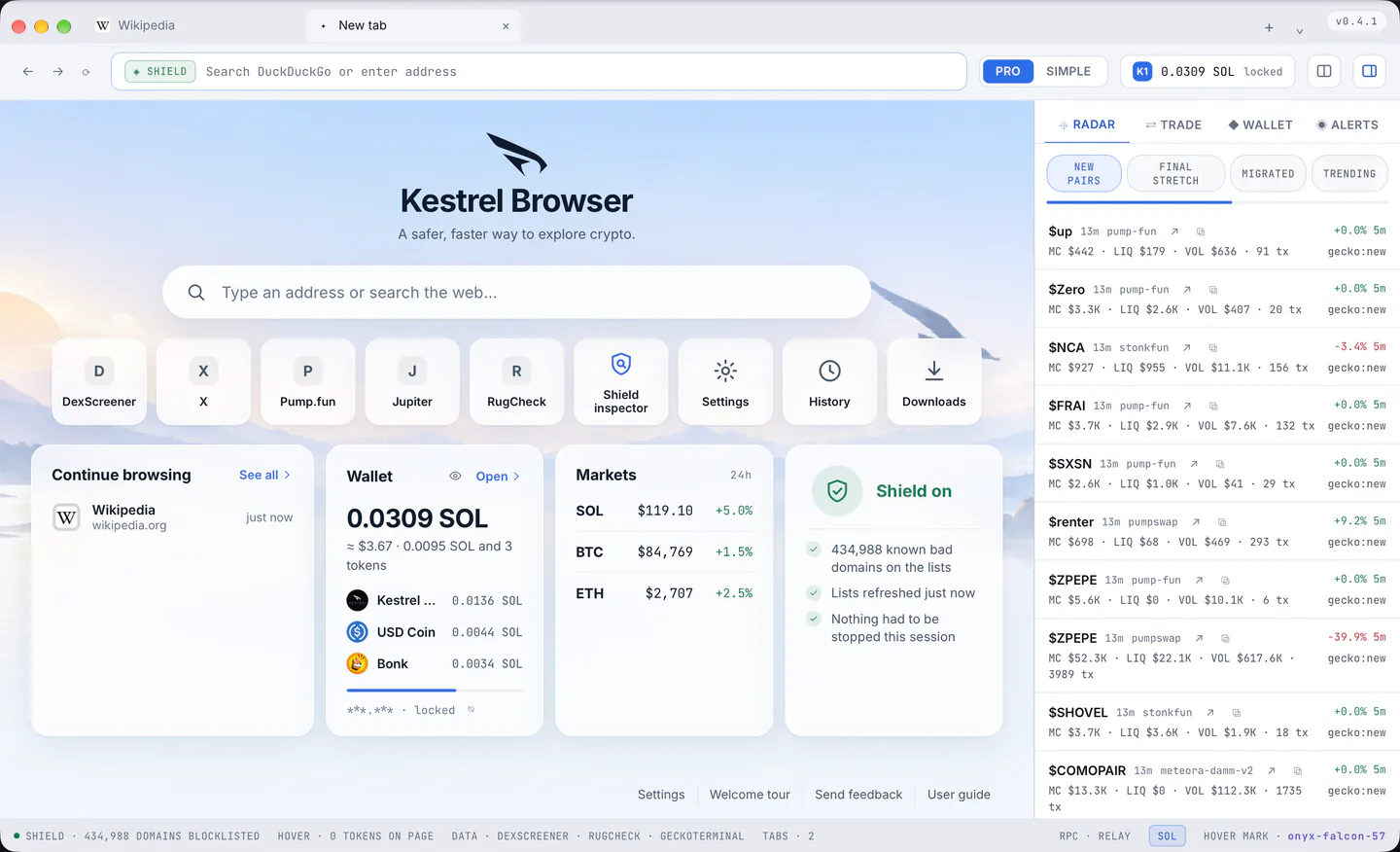
A calm sky (a night sky in the dark theme), the name, and a search box of its own. What you type goes through the same door as the address bar, so Shield judges it the same way:
- a short list of matches hangs under the box (your history, your open tabs and a search, ranked as the address bar ranks them);
- the arrows move through it, Enter opens what you typed or chose, Option+Enter (Alt+Enter) opens it in a new tab, Escape closes the list and then empties the line.
Under it, the campaign line while one runs, and nine places: DexScreener, X, Pump.fun, Jupiter, RugCheck, the Shield inspector, Settings, History and Downloads (a site shows its own icon once you have visited it, its first letter until then). Then four cards:
- Continue browsing: the last four sites, newest first, "See all" for the history.
- Wallet: without a wallet, "Set up wallet"; with one, the wallet's total in SOL as the Wallet pane counts it, the dollar value, the SOL and the token count, then the tokens that have a price, the largest first, each with its logo, name and worth in SOL in a list that scrolls inside the card, the valuation bar, and the short address. It is readable while locked because a balance is public; a press on a token opens the Trade pane for it; the eye hides the amounts for a shared screen.
- Markets: SOL, BTC and ETH with the day's change.
- Shield on: how many domains the lists hold, when they were refreshed, what was stopped this session; it opens the inspector.
The cards stand four in a row, two and two beside the rail or in a pane. At the bottom: Settings, the Welcome tour, Send feedback and, in the version after v0.4.1, the User guide, which opens this guide on kestrelbrowser.com in a tab.
On a first run the three point welcome card takes the cards' place; the menu's "Welcome Tour" brings it back. Settings can make the page blank (the mark alone, nothing asked of the network) or a page of your own.
Settings (kestrel://settings, Cmd+,)
Fourteen sections with a search box that filters every row, and an "Advanced settings" switch that reveals the rows marked Advanced. Every row: section 13.
History (kestrel://history, Cmd+Y)
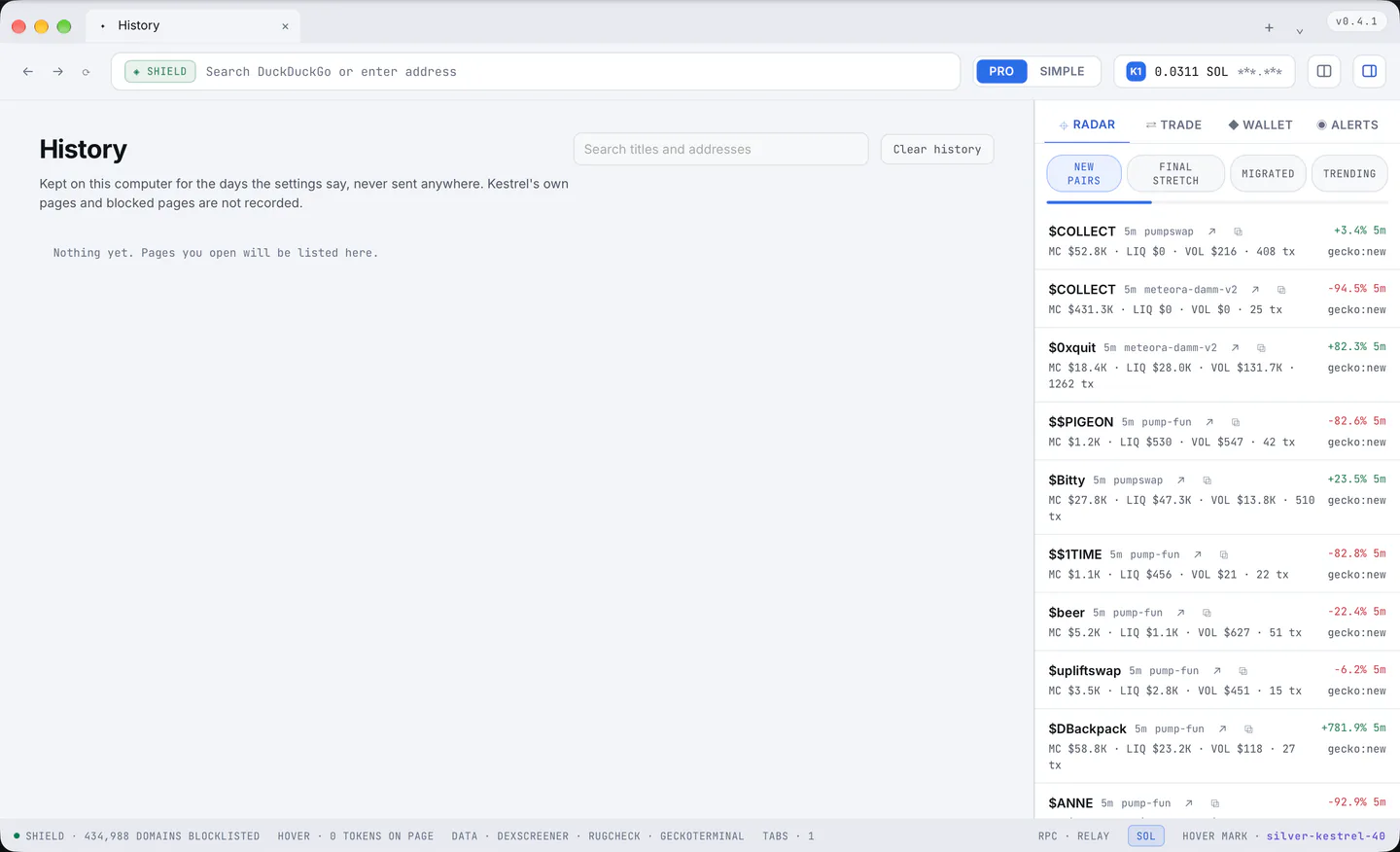
Every visit newest first, grouped by day, with a search box over titles and addresses, "×" to forget one, and "Clear history" (a second press within six seconds clears it all).
Downloads (kestrel://downloads, Cmd+J)
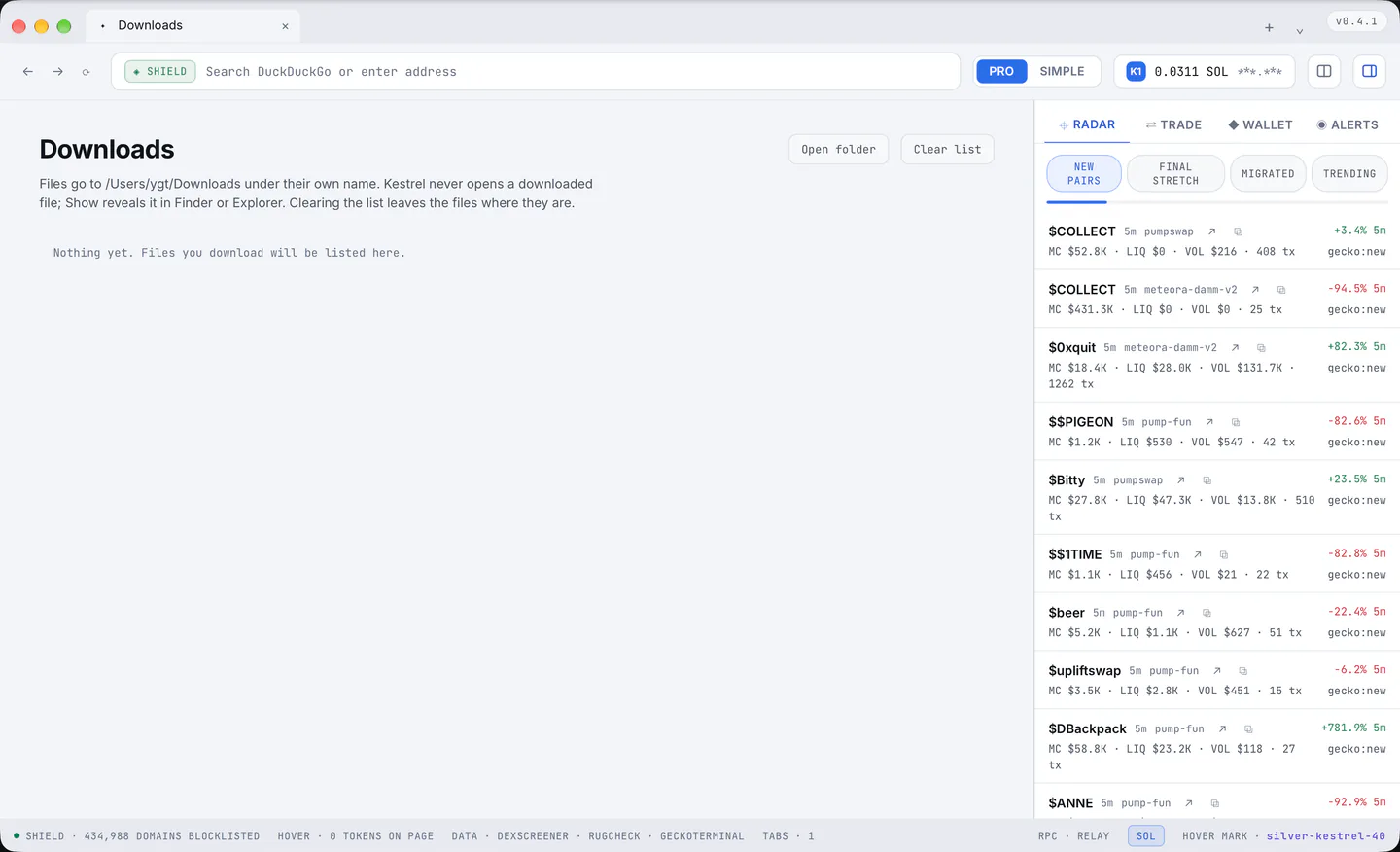
What was downloaded, grouped by day, with "Show" to reveal a file in Finder or Explorer, "×" to take a row out of the list (the file stays), "Open folder" and "Clear list".
Layouts (kestrel://layouts)
The saved pane layouts, with "Save the current panes", a name you can edit in place, Open and Delete.
Premium (kestrel://premium)
Premium explained on one page (section 8), your own state first; every place in the app that shows a tier links to it.
The Shield inspector (kestrel://shield)
The transaction inspector of section 5.
Report a problem (kestrel://report)
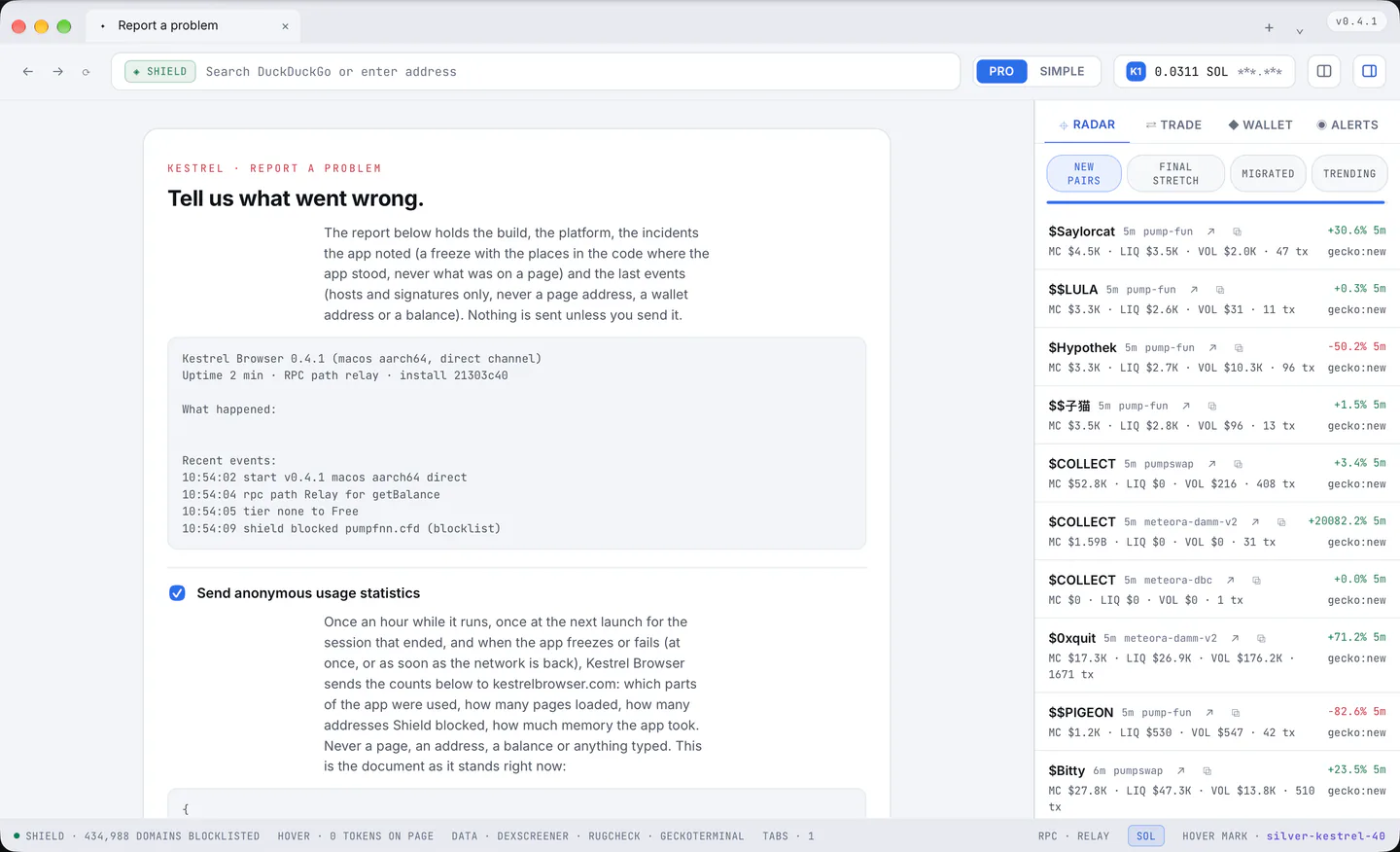
It shows exactly what a report would say: the version, the system, how long the app has run, which RPC answers, the incidents the app noted lately, a freeze with the places in the code where the app stood, and the last events. It also shows the statistics document as it would be sent, and since 2026-09-20 every incident record that is waiting to be sent, exactly as it would go.
Buttons e-mail the report to hello@kestrelbrowser.com, copy it, open the log folder or reach @kestrelbrowser on X. The page itself sends nothing.
Two pages without an address
Shield's block page, and the page that appears when a site cannot be reached ("Try again", "Go back").