Alerts
The rail's ALERTS pane collects four kinds of alert, newest first, each with what happened, when, and a link where there is one. The list holds the newest 200 and lives in memory, so a restart empties it; "Clear alerts" empties it by hand.
The four kinds
- a new pair worth looking at (liquidity of $10,000 or more and half an hour old at most);
- a tracked wallet that moved;
- a trade Kestrel sent;
- a Shield block (in red).
Tracking a wallet
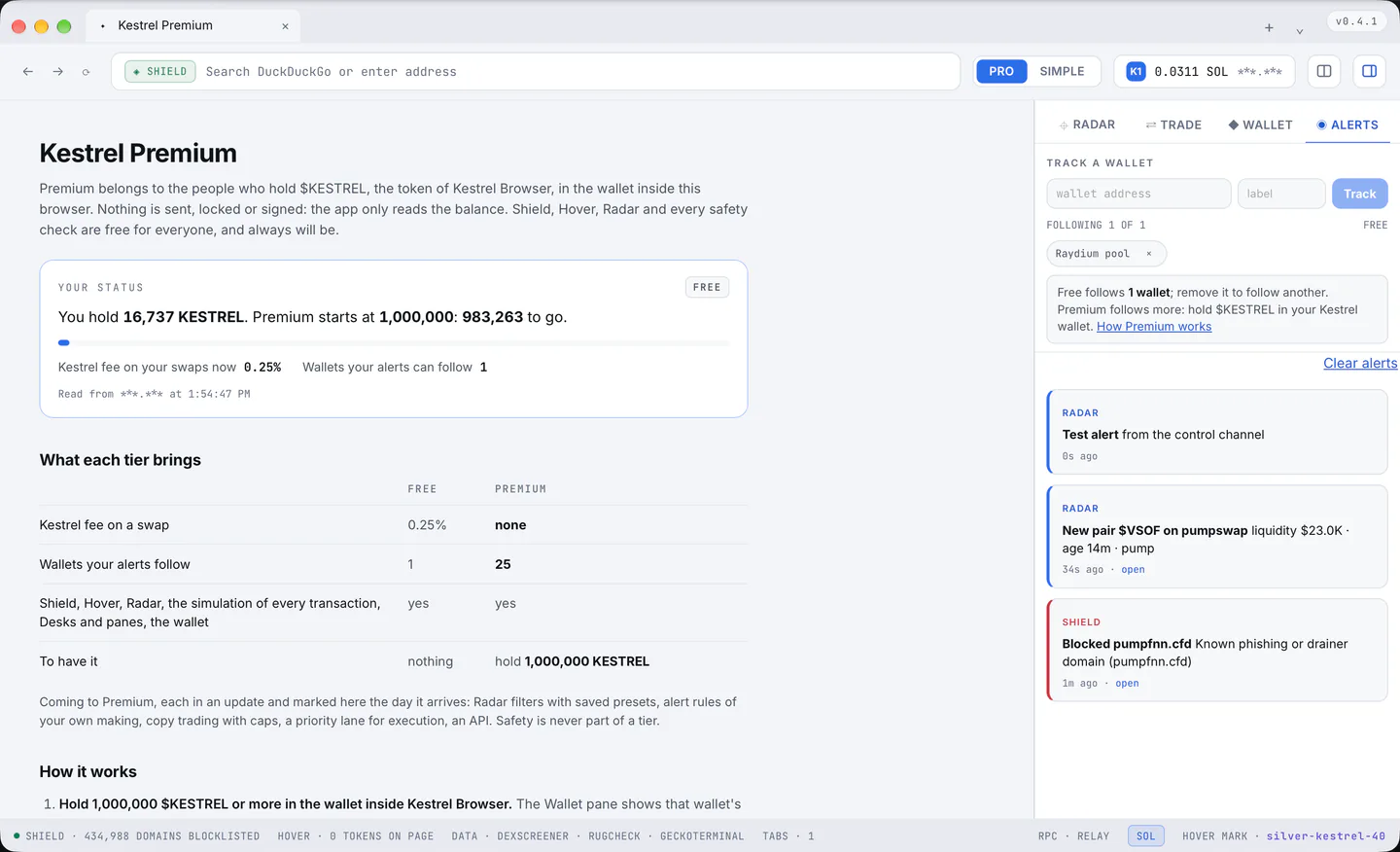
ALERTS > "TRACK A WALLET", the address and an optional label, Track. Kestrel reads its newest transactions every half minute and tells you when they change; the first reading is silent. The "×" on a chip stops it.
Free follows one wallet and Premium 25; the pane says "following 1 of 1", and a full list says what follows more, with a link to the Premium page.
When the tier drops
When the tier drops (the tokens sold, a campaign over) the list shortens to what the tier follows: the oldest wallets stay, the rest are kept, neither shown nor asked about, and come back with Premium. The row that stays can be removed and another wallet followed in its place.
Notifications, sound and quiet hours
- Desktop notifications are on for tracked wallets and trades, off for new pairs and Shield blocks, all in Settings > Radar and alerts.
- A sound (off by default) plays a short tone with each alert.
- Quiet hours (off by default, 22:00 to 08:00) hold the notifications and the sound while cards still arrive.